Menu
Your Cart

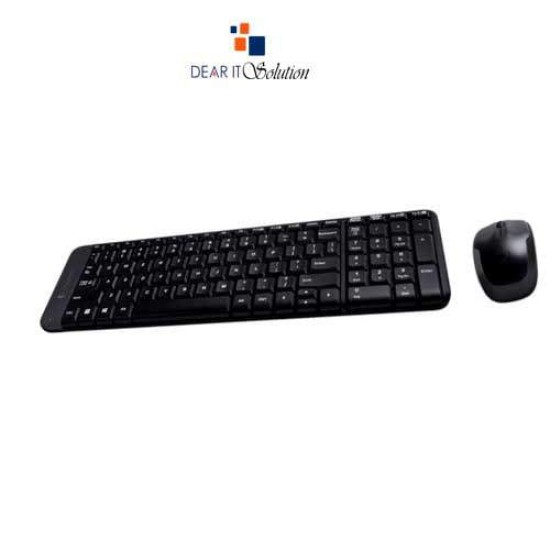
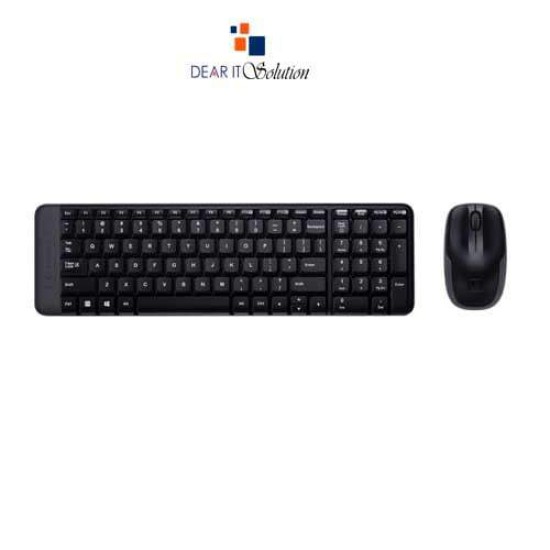
Logitech MK220 Wireless Combo Keyboard

Logitech MK220 Wireless Combo Keyboard
  • Price: TK 1,900/-
  • Stock: In Stock
  • Model: MK220
  • Dimensions: 45.80in x 5.10in x 12.40in
TK 1,900/-
Ex Tax: TK 1,900/-

Key Features

    • Brand:Logitech
    • Model:MK220
    • Type: Wireless
    • Warranty:3 Years
Specification
General Feature
BrandLogitech
ModelMK220
TypeWireless Keyboard & Mouse
Frequency2.4 GHz wireless connectivity
Technical Info
ReceiverOne Nano Receiver
Keyboard Feature
Hotkeys8
Mouse Feature
SensorOptical
Warranty Information
Warranty3 Years
Description

Buy Logitech MK220 Wireless Combo Keyboard in Bangladesh


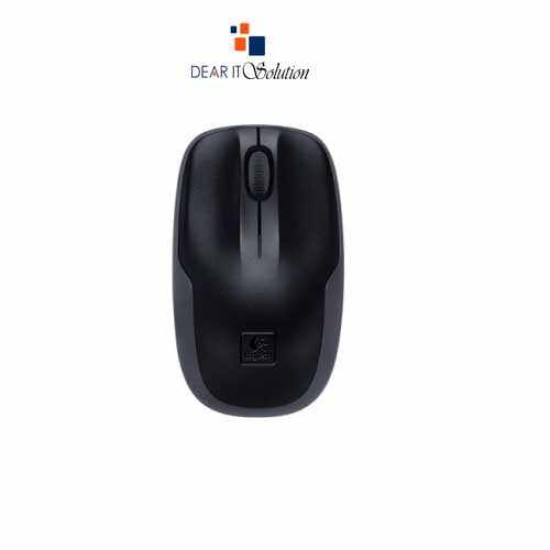
The Logitech MK220 Wireless Combo Keyboard is designed to save space while providing a reliable and efficient typing and mouse experience. This compact keyboard is 36% smaller than standard keyboards, yet it includes all the standard keys, ensuring convenience without sacrificing functionality. Paired with a comfortable wireless mouse, this combo offers the perfect balance for your home or office setup.

Its wireless technology eliminates clutter, and with a 10-meter range, you can enjoy the freedom to work from a distance. The combo is powered by long-lasting batteries, ensuring up to 24 months of battery life for the keyboard and 5 months for the mouse, giving you extended usage without frequent battery changes.

Features of Logitech MK220 Wireless Combo Keyboard

Compact Design: The keyboard is 36% smaller than standard keyboards, making it perfect for small workspaces while retaining full-size functionality.

Reliable Wireless Connection: Enjoy a 2.4 GHz wireless connection with a range of up to 10 meters.

Long Battery Life: With 24 months of battery life for the keyboard and 5 months for the mouse, you get long-lasting, hassle-free performance.

Plug-and-Play: Simply plug in the wireless receiver, and both the keyboard and mouse are ready to use with no additional software required.

Comfortable Typing and Control: The low-profile keys and comfortable wireless mouse ensure a smooth and quiet typing experience and precise cursor control.

Why Buy Logitech MK220 Wireless Combo from Dear IT Solution

Get the Logitech MK220 Wireless Combo Keyboard at the best price in Bangladesh from Dear IT Solution. Whether you buy in-store or online, you’re assured of genuine and high-quality products with the best quality product insured in Bangladesh.

Review

Write a review

Note: HTML is not translated!
Bad Good
Critial Path: Hello world!
Hello world!
/** * @license * Copyright 2017 Google LLC * SPDX-License-Identifier: Apache-2.0 *//** * @fileoverview Diagnostic audit that lists all JavaScript libraries detected on the page */import {Audit} from '../audit.js'; import * as i18n from '../../lib/i18n/i18n.js';const UIStrings = { /** Title of a Lighthouse audit that provides detail on the Javascript libraries that are used on the page. */ title: 'Detected JavaScript libraries', /** Description of a Lighthouse audit that tells the user what this audit is detecting. This is displayed after a user expands the section to see more. No character length limits. */ description: 'All front-end JavaScript libraries detected on the page. [Learn more about this JavaScript library detection diagnostic audit](https://developer.chrome.com/docs/lighthouse/best-practices/js-libraries/).', /** Label for a column in a data table; entries will be the version numbers of the detected Javascript libraries. */ columnVersion: 'Version', };const str_ = i18n.createIcuMessageFn(import.meta.url, UIStrings);class JsLibrariesAudit extends Audit { /** * @return {LH.Audit.Meta} */ static get meta() { return { id: 'js-libraries', title: str_(UIStrings.title), scoreDisplayMode: Audit.SCORING_MODES.INFORMATIVE, description: str_(UIStrings.description), requiredArtifacts: ['Stacks'], }; }/** * @param {LH.Artifacts} artifacts * @return {LH.Audit.Product} */ static audit(artifacts) { const libDetails = artifacts.Stacks .filter(stack => stack.detector === 'js') // Don't show the fast paths in the table. .filter(stack => !stack.id.endsWith('-fast')) .map(stack => ({ name: stack.name, version: stack.version, npm: stack.npm, }));/** @type {LH.Audit.Details.Table['headings']} */ const headings = [ {key: 'name', valueType: 'text', label: str_(i18n.UIStrings.columnName)}, {key: 'version', valueType: 'text', label: str_(UIStrings.columnVersion)}, ]; const details = Audit.makeTableDetails(headings, libDetails);const debugData = { type: /** @type {const} */ ('debugdata'), stacks: artifacts.Stacks.map(stack => { return { id: stack.id, version: stack.version, }; }), };if (!libDetails.length) { return {score: null, notApplicable: true}; }return { score: 1, // Always pass for now. details: { ...details, debugData, }, }; } }export default JsLibrariesAudit; export {UIStrings};